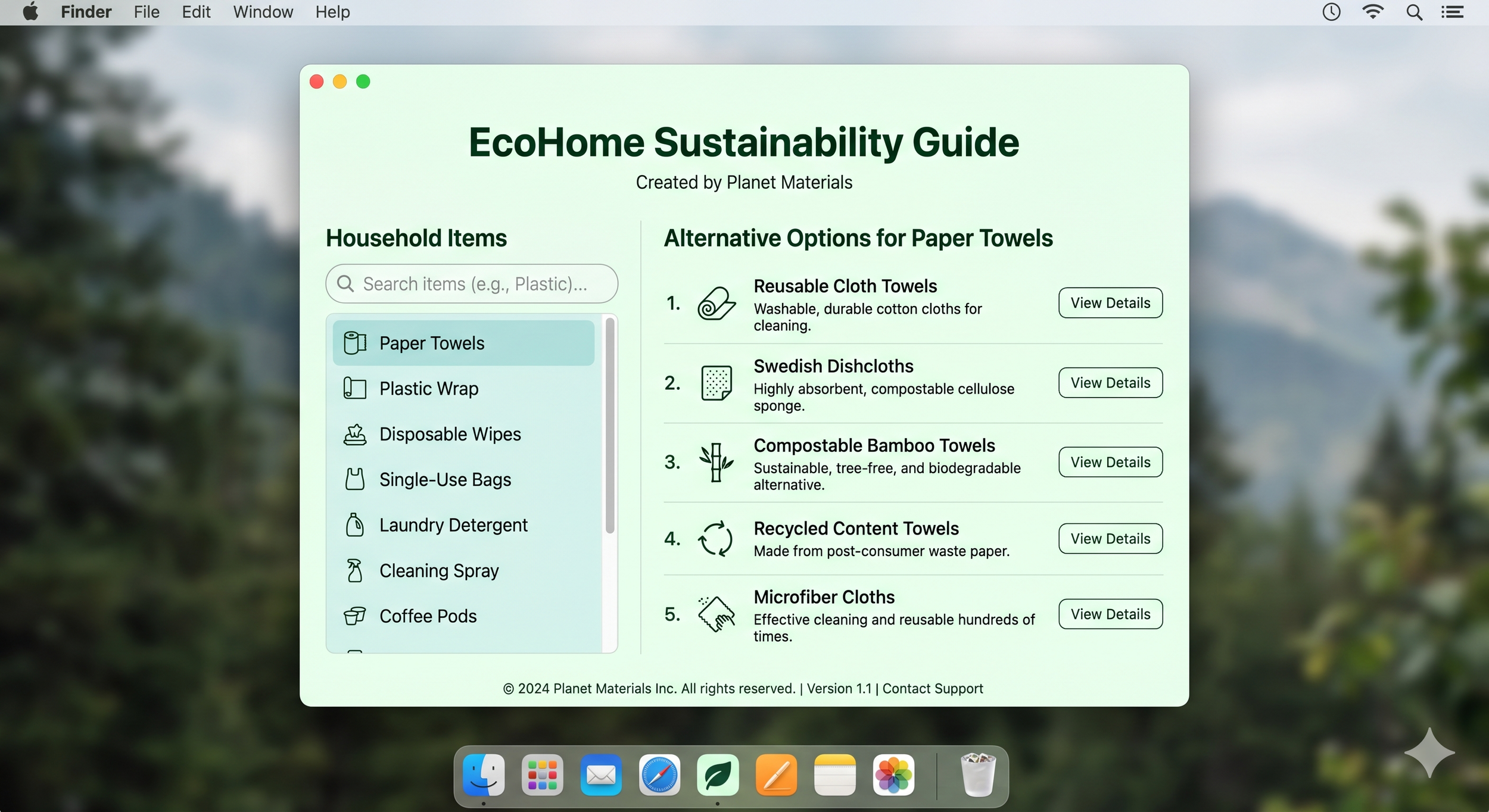
EcoHome v1.0: Your Sustainability Guide
A Planet Materials App
Building a greener home shouldn't require hours of research. EcoHome v1.0 is a streamlined, downloadable desktop application that puts sustainable living directly at your fingertips.
50 Everyday Items: From kitchen wraps to laundry detergents, discover what to swap out.
Curated Alternatives: Instantly view the top three eco-friendly options for every item.
Lightning Fast: Use the live search bar to find exactly what you are looking for in seconds.
100% Offline: Runs entirely on your Mac's local system for complete privacy and instant access.
Take the guesswork out of sustainability. Download EcoHome - a python app for MacOS today.
Important Installation Notes:
Mac Installation Guide (v10.15 and above) Because GreenDash is an independent app, macOS will show a default security warning on your first launch (e.g., "developer cannot be verified"). Don't worry—our app is completely safe, ad-free, and contains no tracking.
To bypass the warning and launch the app:
Unzip the download and move GreenDash to your Applications folder.
Instead of double-clicking, Right-click (or Control-click) the app icon and select "Open".
Click "Open" again on the pop-up warning.
(Note: You only need to do this once. Future launches just require a normal double-click!)
(Windows version coming soon!)
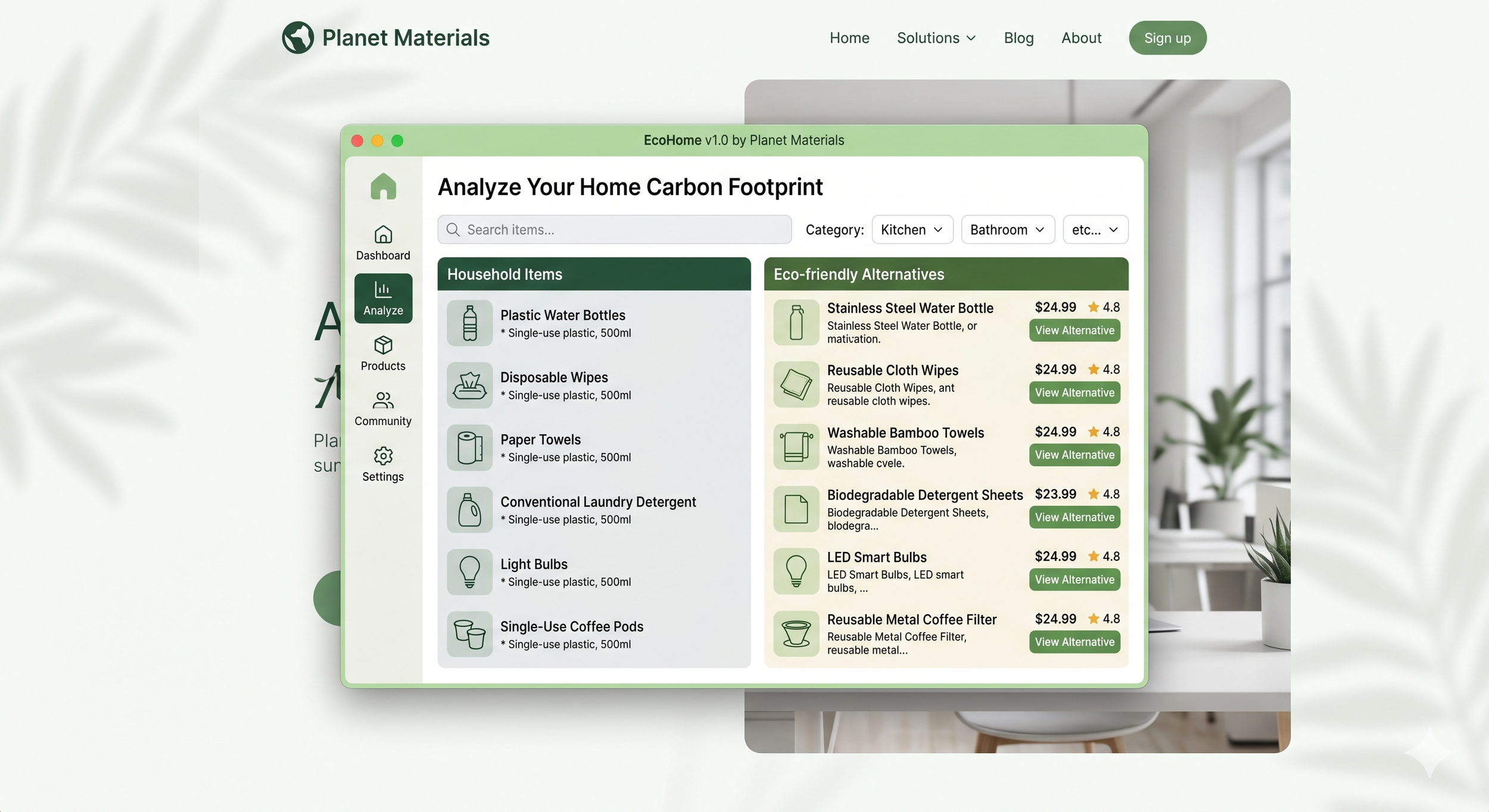
GreenDash v1.0 by Planet Materials
The pulse of our planet, live on your desktop - A Planet Materials App
Stay connected to the world’s most critical environmental data with GreenDash. Built as a lightweight, native desktop application, GreenDash delivers real-time sustainability metrics directly to your screen. From global CO2 levels and ocean temperature anomalies to daily EV sales and renewable energy shares, track the numbers that matter most in a clean, auto-refreshing interface.
Important Installation Notes:
Mac Installation Guide (v10.15 and above) Because GreenDash is an independent app, macOS will show a default security warning on your first launch (e.g., "developer cannot be verified"). Don't worry—our app is completely safe, ad-free, and contains no tracking.
To bypass the warning and launch the app:
Unzip the download and move GreenDash to your Applications folder.
Instead of double-clicking, Right-click (or Control-click) the app icon and select "Open".
Click "Open" again on the pop-up warning.
(Note: You only need to do this once. Future launches just require a normal double-click!)
(Windows version coming soon!)